
Article by Marcus Siu
It’s astounding to me how many of my friends come up and inform me that there is something drastically wrong with their smartphone, deeming it nearly useless. After handing me their smartphone for inspection, the first thing I look for is whether or not the phone is near capacity Most often, I find this to be the case, but even after freeing up some space as a temporary fix, the users continually still insists that more media needs be added onto their phone since they can’t help stop taking photos or videos on a daily basis.
These are atypical users who aren’t accustomed to transfer and download their media from their phone onto their computer on a needed regular basis. In most cases, they never have learned this process and probably never will. Most of them will just go through their entire media on their phone and start looking at each individual photo or video, deleting one by one, the photos and videos they can live without, even though there was a viable a reason for taking and keeping them on the phone in the first place; downloads and apps included.
It’s a shame they end up not keeping some of their personal history by deleting their media from their smartphone to free up space. Much of that documentation will be lost forever. The idea of deleting never should ever have been a viable option. Unfortunately, out of pure desperation, this is not an common thing for many users.
It didn’t have to be this way. Not if they owned a Kingston microDuo traveller.
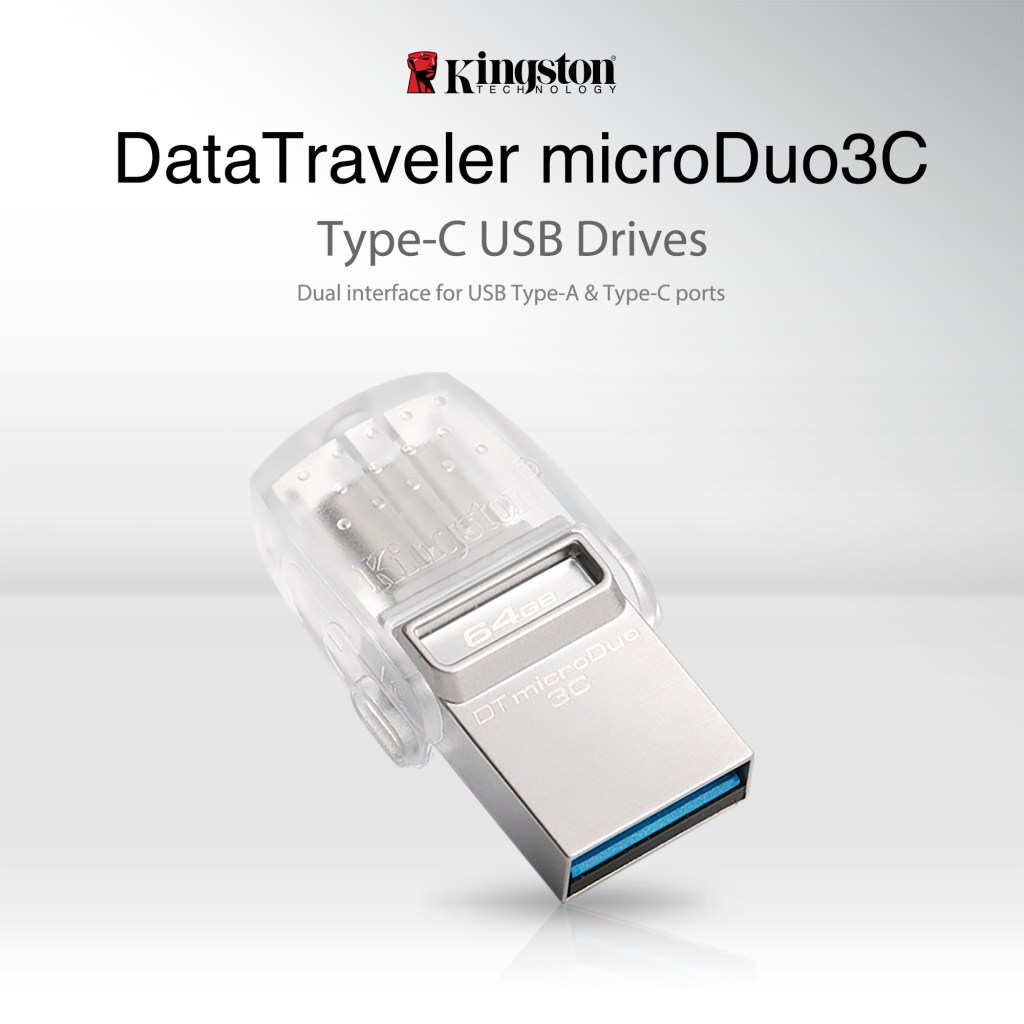
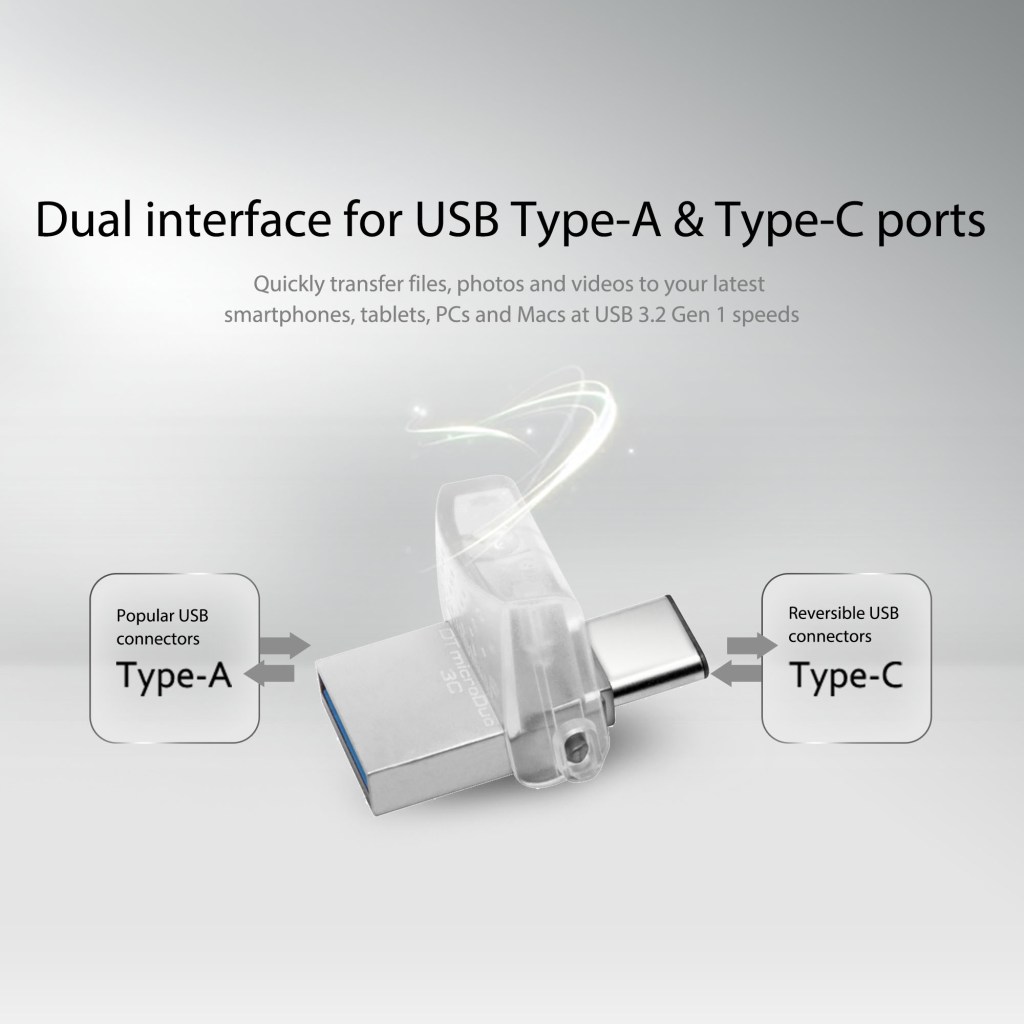
Kingston just recently released their latest addition to the DataTraveler® microDuo Flash drives line. It’s dual purpose flash drive that has both the USB OTG (On-The-Go) and a USB-C that attaches to your smartphone or tablet charger port, but instead of your smartphone thinking it’s a charger, it recognizes it as a USB storage device. From your phone, you will be able to see a folder with all your data from the flash.
Previously, Kingston released a dual purpose flash drive that has both the USB OTG and a microUSB that worked well with Android smartphones that had microUSB ports on them before they came out with USB-C. They even have on for Lightning devices, as well from their earlier versions, which was called “The Bolt”.
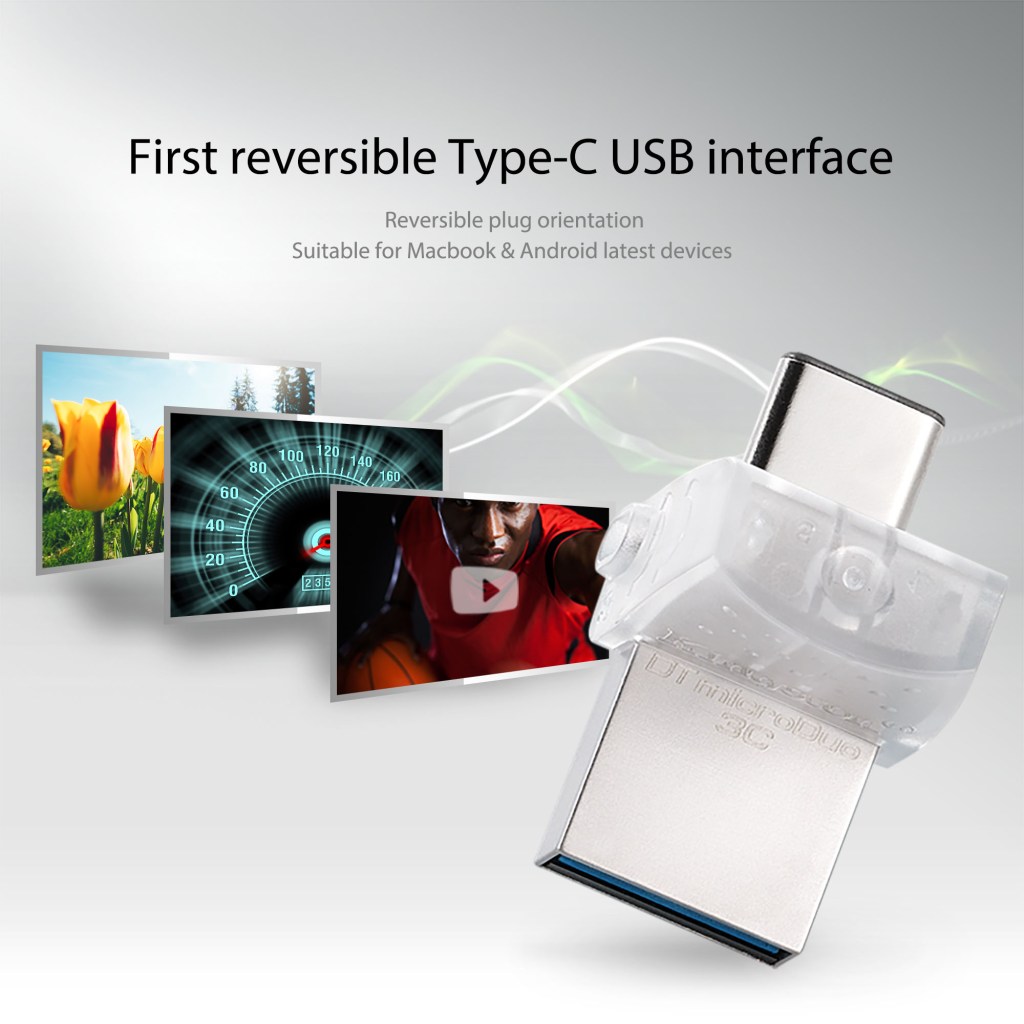
Their latest dual interface works with both standard USB and USB Type-C with fast read speeds up to 100MB/s. It provides additional storage, from 32 GB up to 128 GB, in a very small form factor, perhaps the size of a digit of your finger. You can than move or copy your files onto the device by going into your folders/files on your phone.
This is so much easier than having to either manually take the microSD card from you smartphone and inserting it into a card reader so you can put into the USB port of your computer or even moving the media into the cloud.
You basically need one device as opposed to five. In a typical scenario, you would need to find your metal pin to open up your smartphone, a microSD card reader and a USB cable. Most likely, time will be lost in trying to locate these items, as well. Many times, I get frustrated because I cannot locate the smartphone pin, so I just grab a paper clip and bend it into a pin opener. Even if I don’t have to deal with this step anymore, it saves me grief.
With innovative products like the DataTraveler® microDuo, we become less dependent on the need to have immediate access with our computers or laptops and we can continue to take photos and videos from our devices with no worries about not having enough storage…at least up to 128 GB.
It also makes it a much more affordable option for consumers who just can’t justify the extra cost for the additional incremental upgrade capacity on their smartphone at the time of purchase, which we know can be a high premium to pay for.
I would highly suggest this as your “must have” computer accessory, if you don’t have one. You will thank me later.
https://www.amazon.com/dp/B01M59PHE4/ref=twister_B01179M6DQ?_encoding=UTF8&psc=1

 mlsentertainment